













HLD / SUPPORT & RESOURCES
Behind your screen.
At every step.
The right files. Practical engineering guidance. A team to contact when your display needs attention.
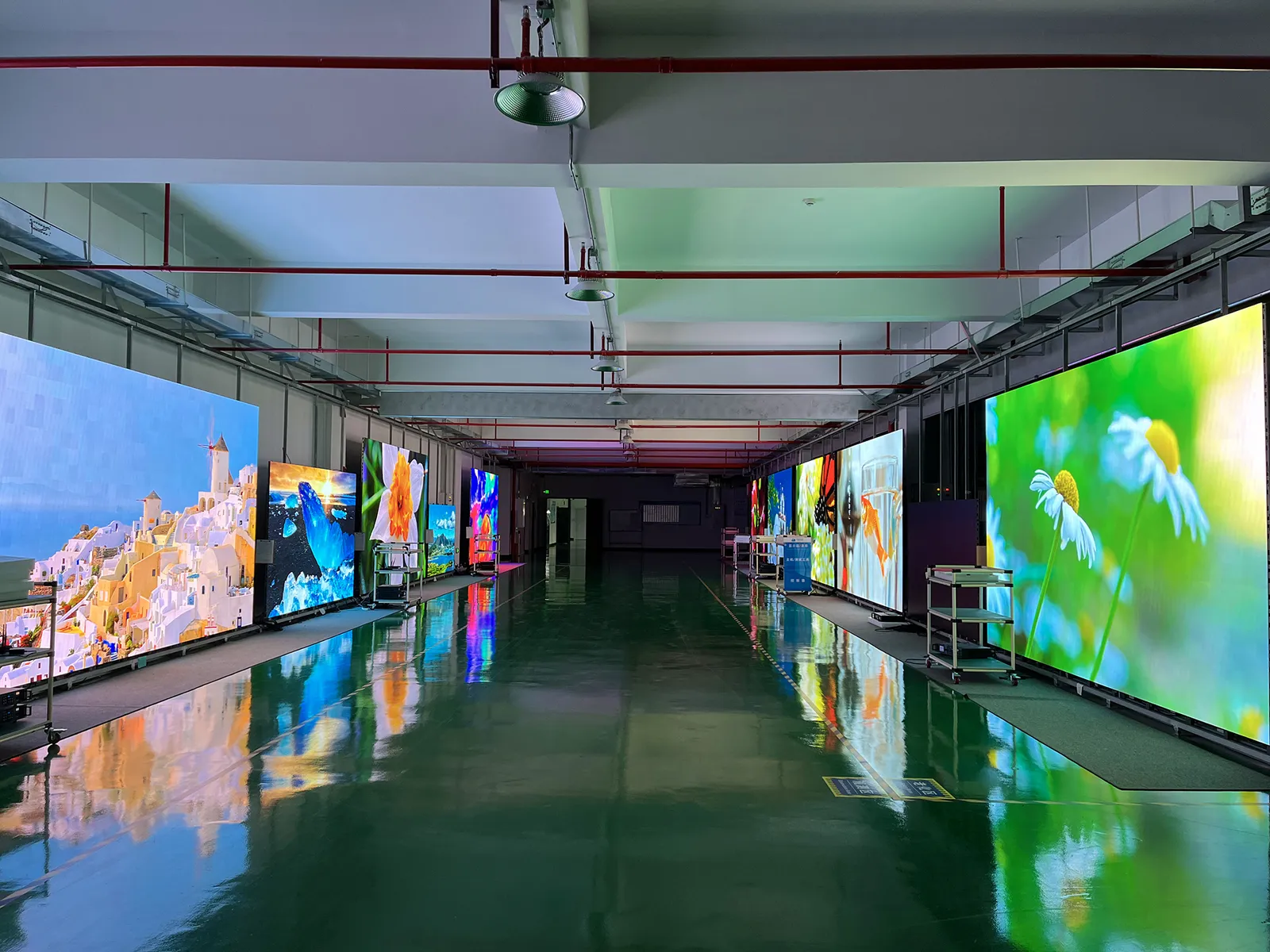
FROM PLANNING TO OPERATION
Support built around your project.
Find a document
Brochures, specifications and certificates.
Explore resourcesPlan your installation
Layouts, drawings and system integration.
See project supportGet technical help
Commissioning, diagnostics and spare parts.
Get supportWarranty & repairs
Check your order terms and repair process.
Understand the process01 / RESOURCE LIBRARY
The file you need.
Without the search party.
Browse HLD product literature and original certificate documents. Search by series or document number.
2 documents
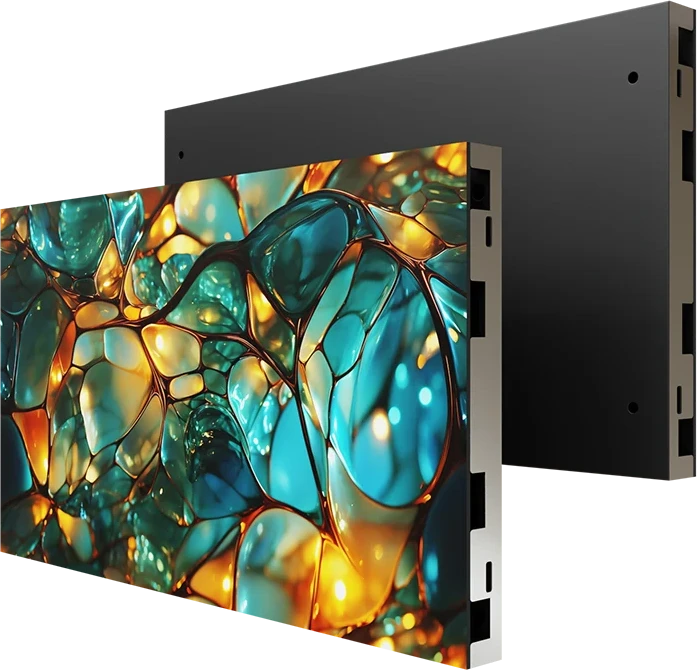
InkScape™ COB-Pro
IS006 · IS007 · IS009 · IS012 · IS015
Open PDF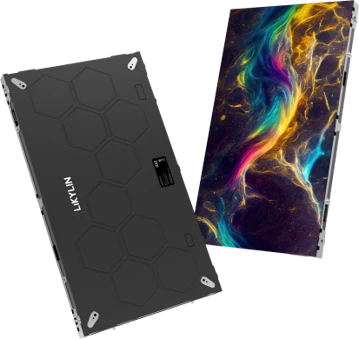
InkScape™ IS COB
IS0.9 · IS1.2 · IS1.5
Open PDFNeed installation drawings, a user manual or controller files? We’ll match the documents to your product and order.
Request a specific file ↗Certificates apply to the models and scope stated in each document. Confirm applicability to your selected configuration.
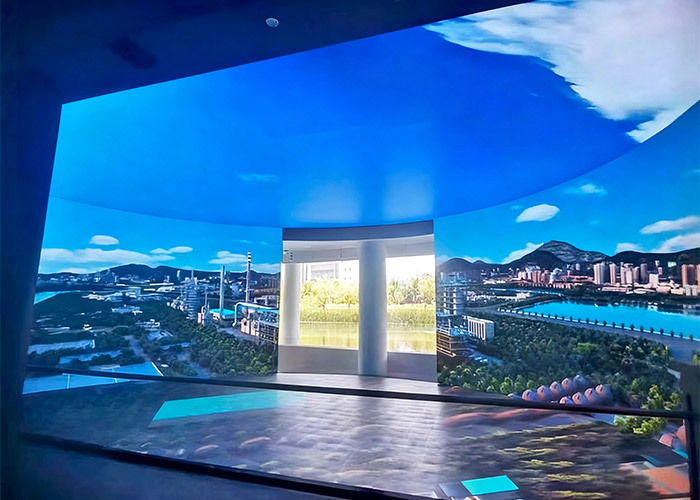
02 / ENGINEERING SUPPORT
From your drawing.
To a working display.
Every space has its own constraints. We work through the display, structure and system with your project team.
Cabinet layout & dimensions
Mounting interface drawings
Power & signal diagrams
Control-system planning
Commissioning guidance
Operator handover
Need a product built to your specification?
Custom size, shape, pixel pitch and OEM / ODM requirements.
03 / TECHNICAL HELP
Tell us what you see.
We’ll help with the next step.
Send the details once so the team can identify your display and understand the issue.
aria@holedscreen.comBEFORE YOU CONTACT US
Identify the display
Order reference, model and serial number.
Show the issue
Full-screen photo plus close-up, or a short video.
Describe the system
Controller model, input source and recent changes.
Tell us the impact
Affected area, when it started and your event or site schedule.
04 / WARRANTY & REPAIRS
A clear path.
From issue to resolution.
Report
Send the order reference, symptoms and part-label photos.
Review
HLD checks compatibility, coverage and diagnostic information.
Agree
Confirm repair or replacement, costs and shipping instructions.
Resolve
Follow the agreed service plan and verify display operation.
Coverage, exclusions, logistics and service availability follow your written order. Please obtain return instructions before shipping parts. On-site service and training are arranged per project.
05 / SUPPORT FAQ
Practical questions.
Clear next steps.
Where can I find the correct brochure or specification?+
Search the resource library by series, model or certificate. For an installation guide, controller configuration or order-specific drawing, send your model and order reference so our team can provide the matching revision.
What should I send with a technical support request?+
Include the order reference or serial number, cabinet and controller model, a description of the issue, when it started, and clear photos or a short video. Note whether it affects the whole screen or a particular cabinet. Share configuration files only through a channel agreed with HLD.
What if the screen has no signal or a black area?+
Record the affected area and any controller status or error message. Check the selected input and accessible external connections according to your product manual. Contact HLD with the model and photos before changing configuration or replacing parts. Electrical work must be performed by qualified personnel with power isolated.
Can you help with installation and operator training?+
We can discuss cabinet layout, mounting interfaces, power and signal drawings, commissioning guidance and operator handover for your project. Remote or on-site support, scope, timing and any fees are confirmed in the quotation or service agreement.
How do I request spare parts or a repair?+
Send the order or serial number and a photo of the part label. Our team checks compatibility, warranty status and the proposed repair or replacement route. Obtain shipping instructions before returning any parts.
What warranty applies to my display?+
The written quotation and order define the warranty period, coverage, exclusions and service responsibilities. Repair logistics, shipping costs and on-site service depend on those terms. Ask our team to confirm the terms for your order.
Regional sales team